
Two photos in, one photo out
Choose a photo you treasure and one picture of the person you miss. Here is what happens next, and what you need.
- About a minute
- Google sign-in
- Old prints work
How it worksThree quiet steps
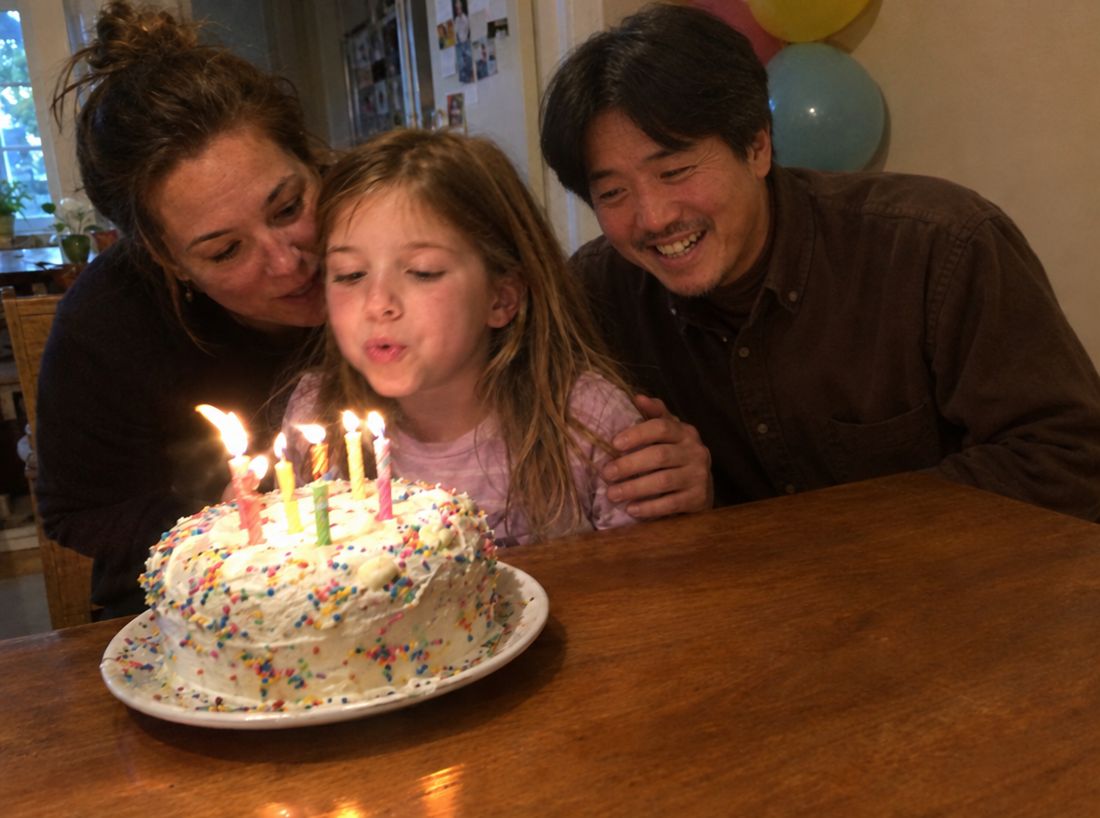
Sign in with Google, then upload your photo and one picture of them. In a few minutes they are in it, and everyone else stays as they were. Nothing is charged unless you keep one.
- 1
Choose the photo
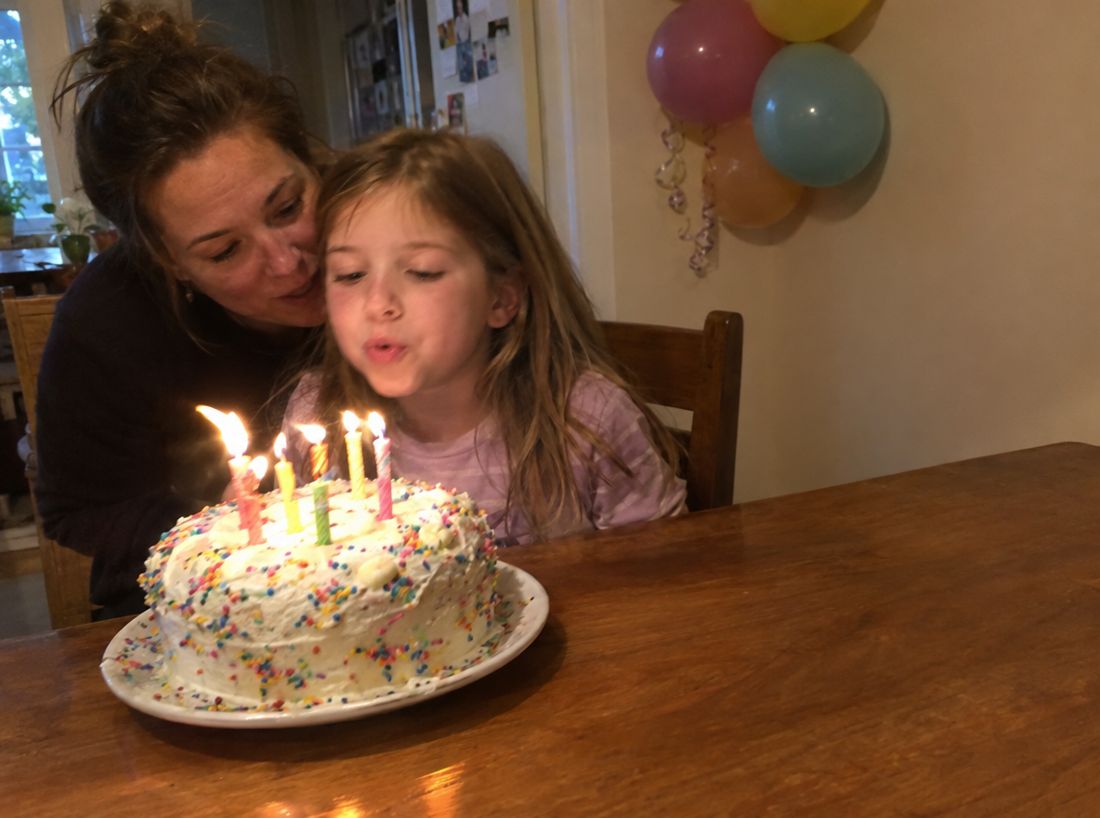
Pick the picture you treasure. A wedding, a new baby, a graduation, an ordinary Sunday.
- 2
Add their photo
Upload one clear picture of the person you miss. Older and faded pictures are welcome.
- 3
See 3 free previews
Look through all three and keep the one that feels right. Nothing to pay until you choose.
Old or faded photos work too
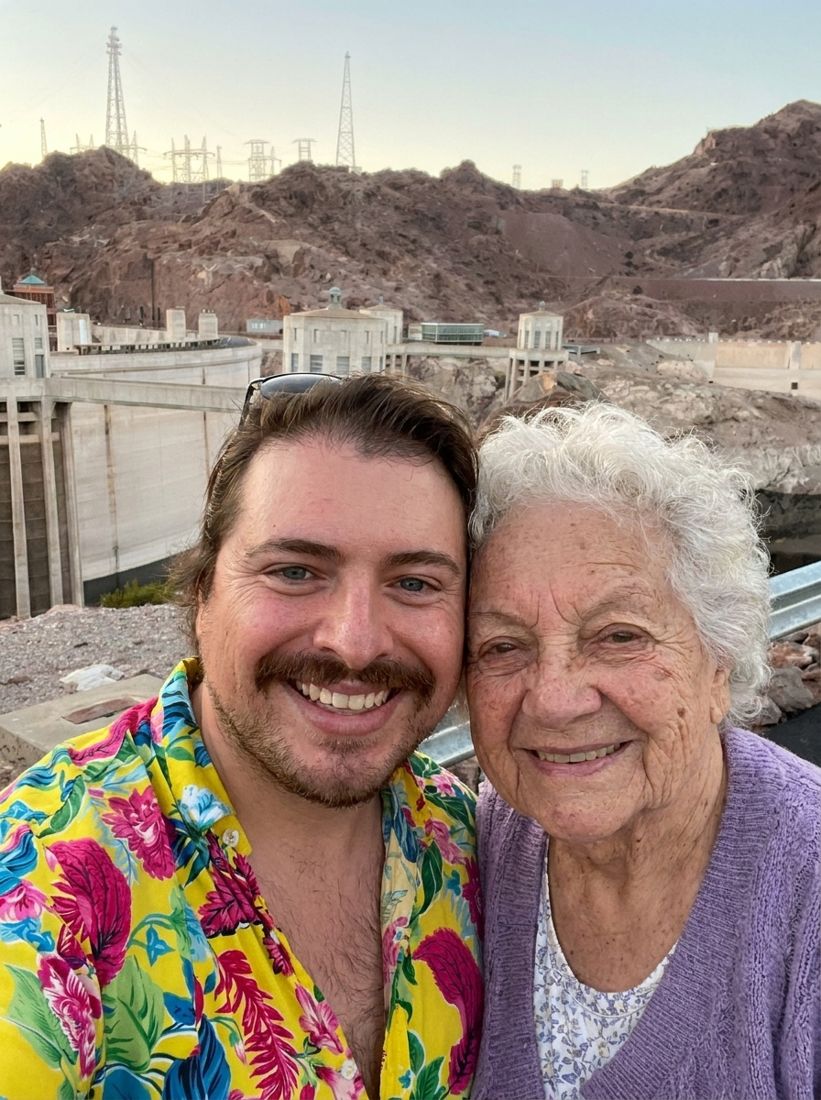
Most of the photos we are given are not perfect. A print from the 1980s, a scan with a crease, a picture of a picture. That is usually enough.
- Faded color and scratches are fine
- A phone photo of a print works
- Matched to your photo’s light and tone




Have only an old print of them?
Snap it with your phone. We’ll show you 3 free previews before you decide.
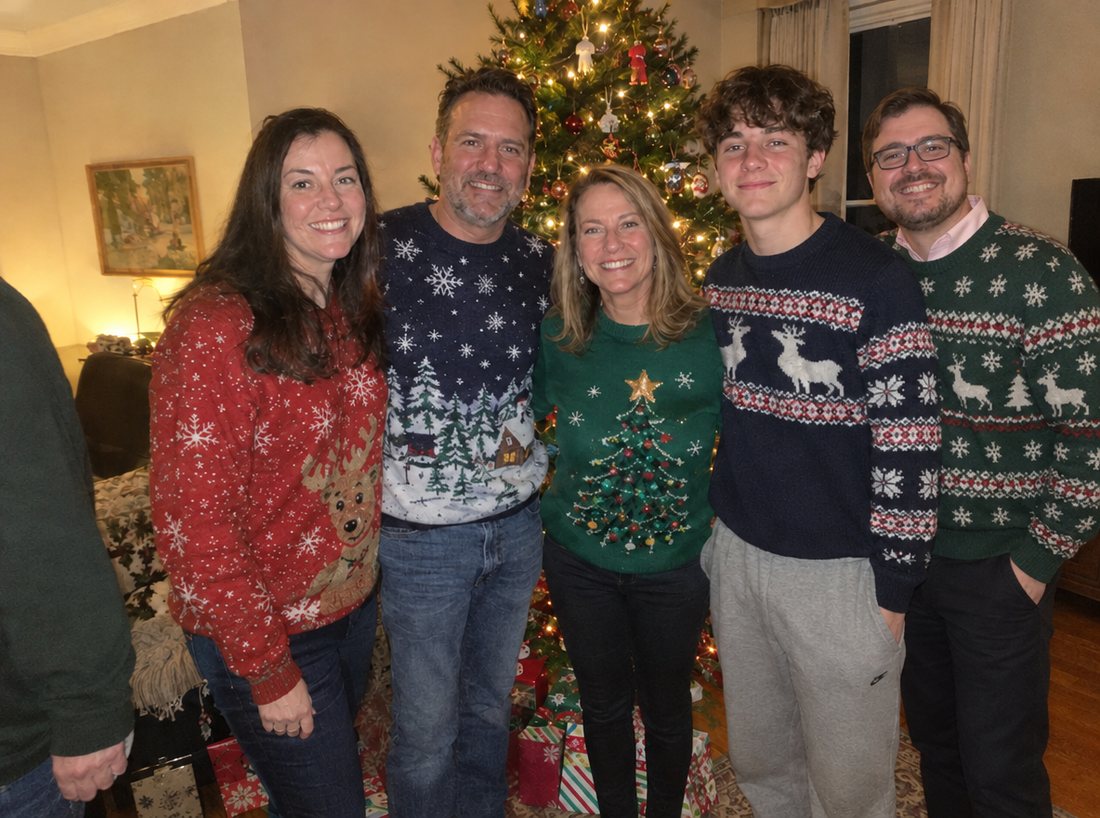
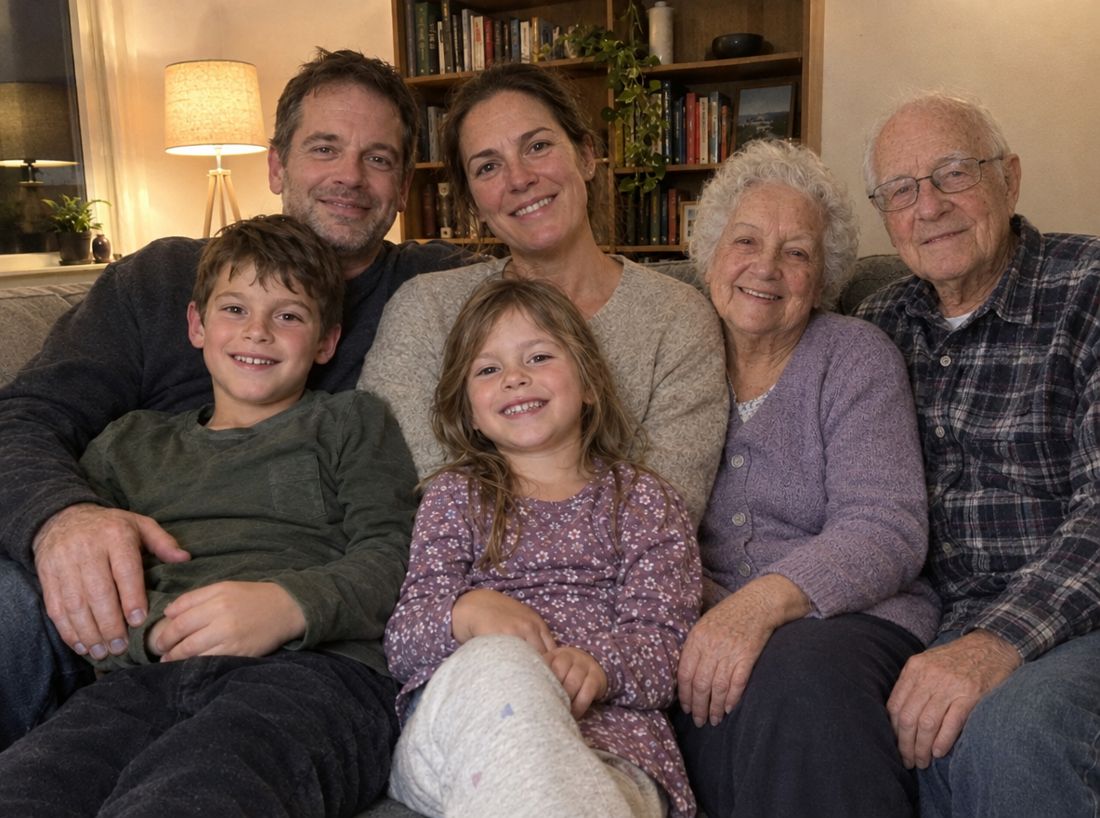
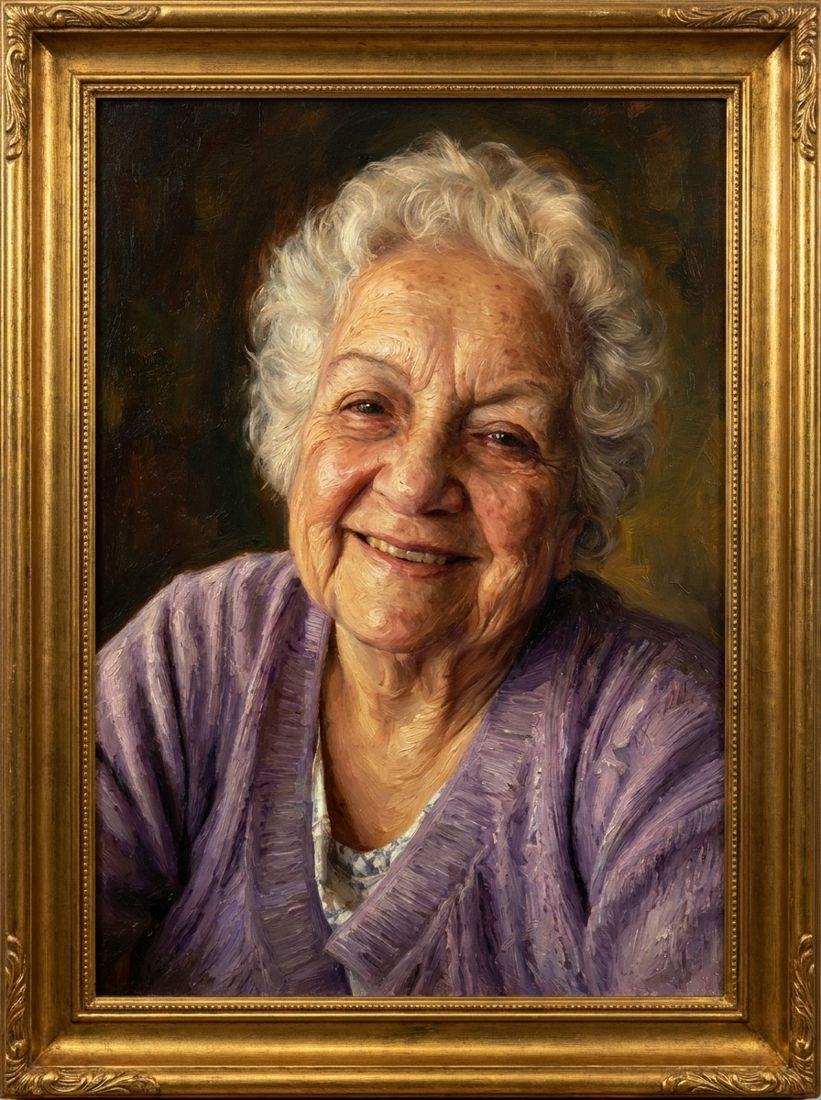

Bring them into the picture
It takes a few minutes. See three previews first, and decide after.
Add them to your photo3 free previews after Google sign-in. No card needed.