GRANDMA · THE CAKE
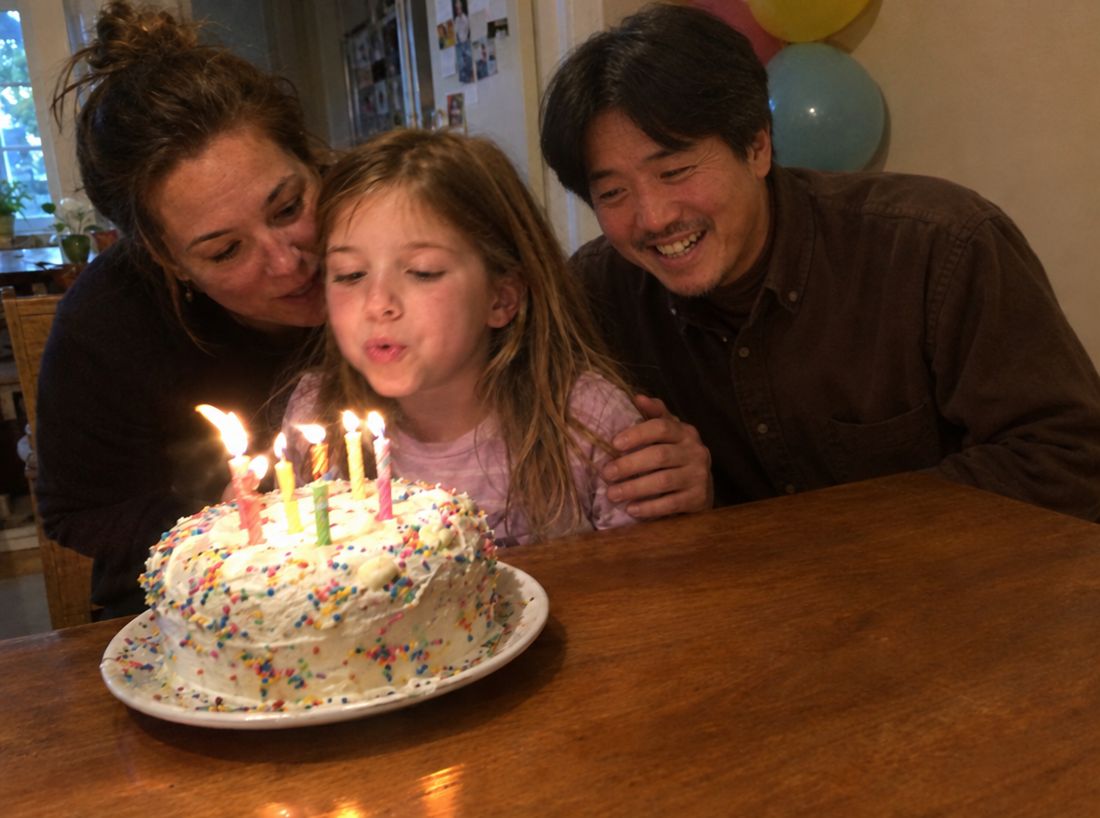
Right there for the cake cutting
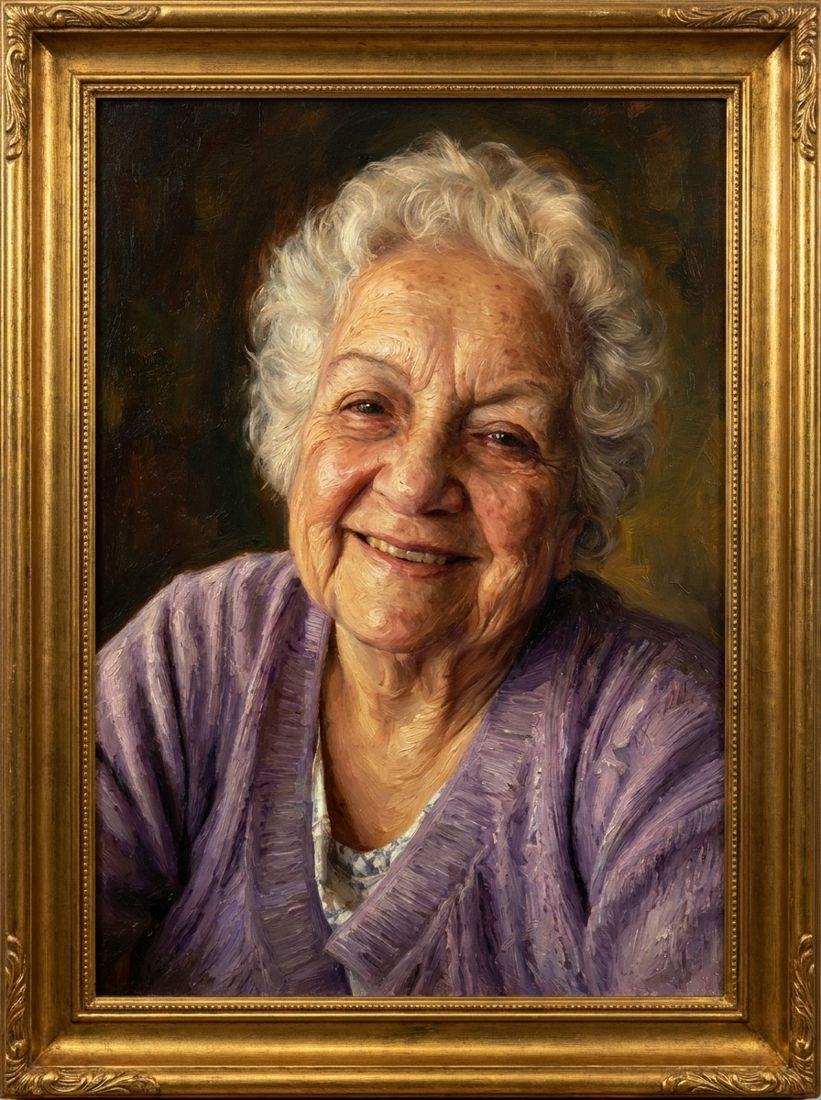
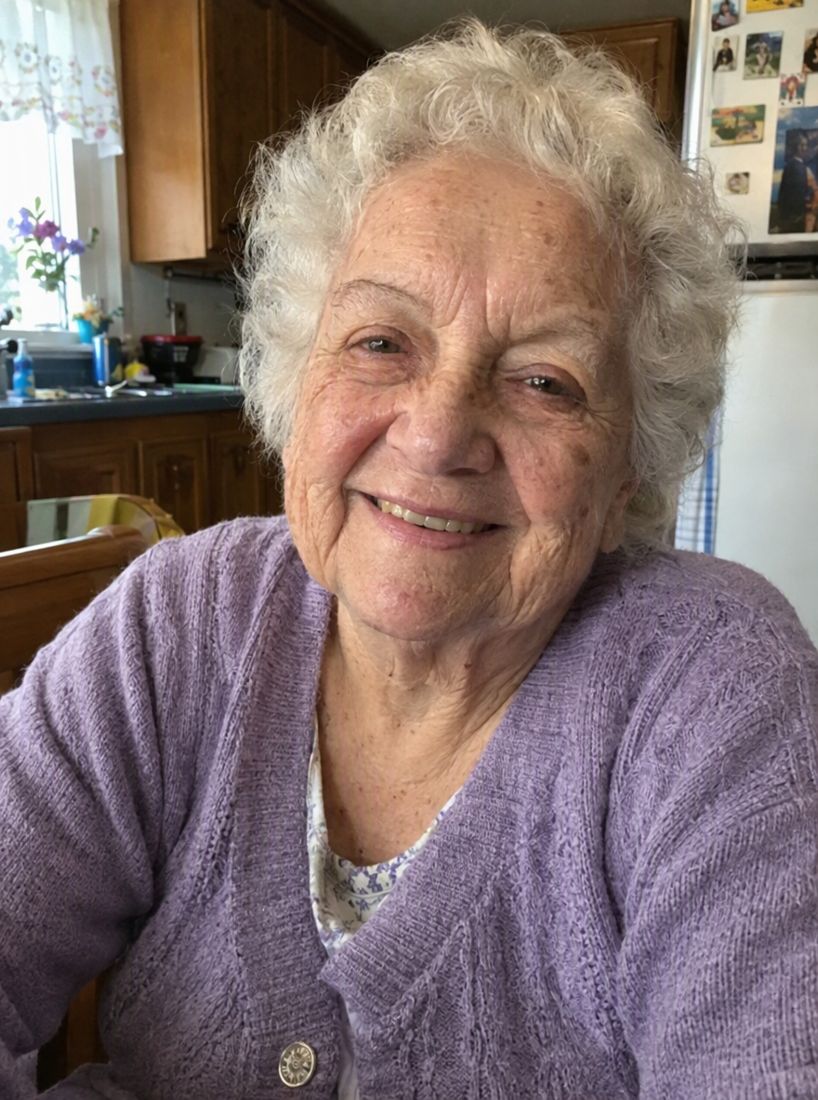
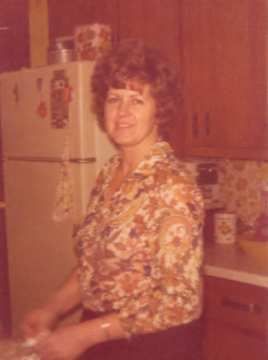
Cutting the cake with everyone filming, and Grandma with her teacup at the kitchen table. She is next to the groom, close enough to help with the knife.
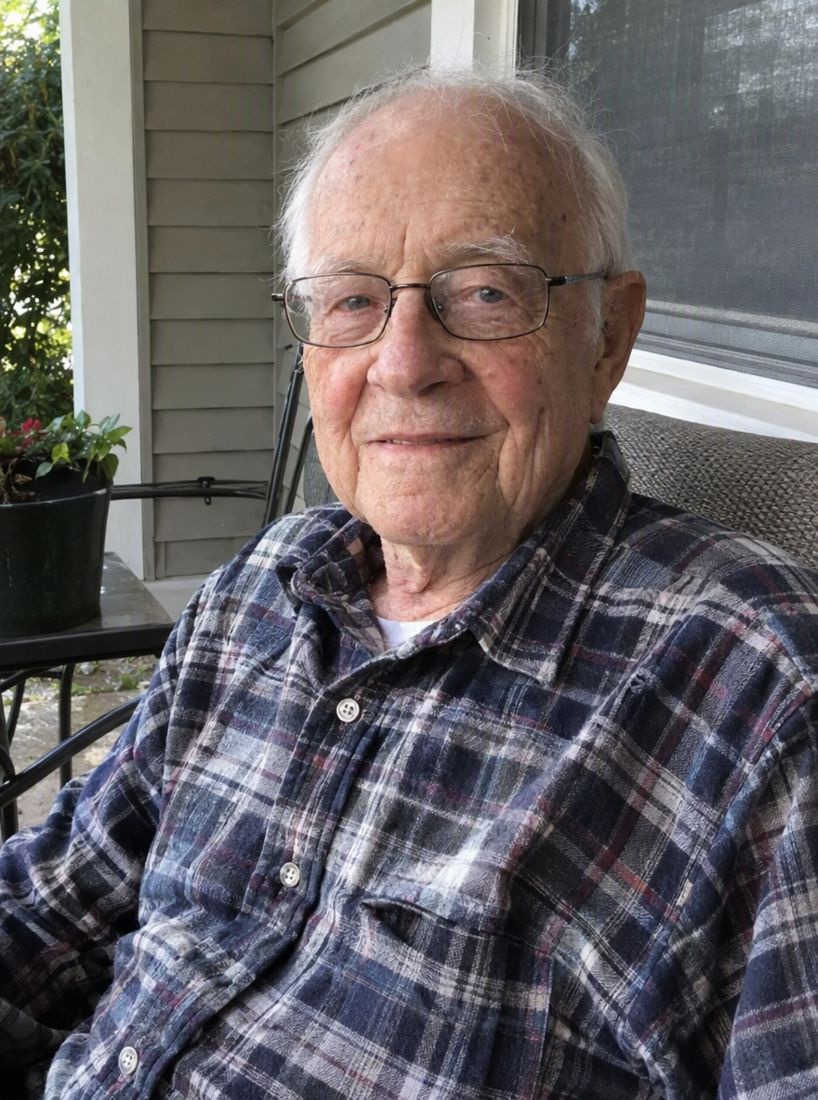
The two photos they started with
Choose a photo from the day and one picture of the person you wish had been there. We place them in the moment, dressed for a wedding, without changing anyone else in your photo.
3 free previews after Google sign-in. No card needed.
Cutting the cake with everyone filming, and Grandma with her teacup at the kitchen table. She is next to the groom, close enough to help with the knife.
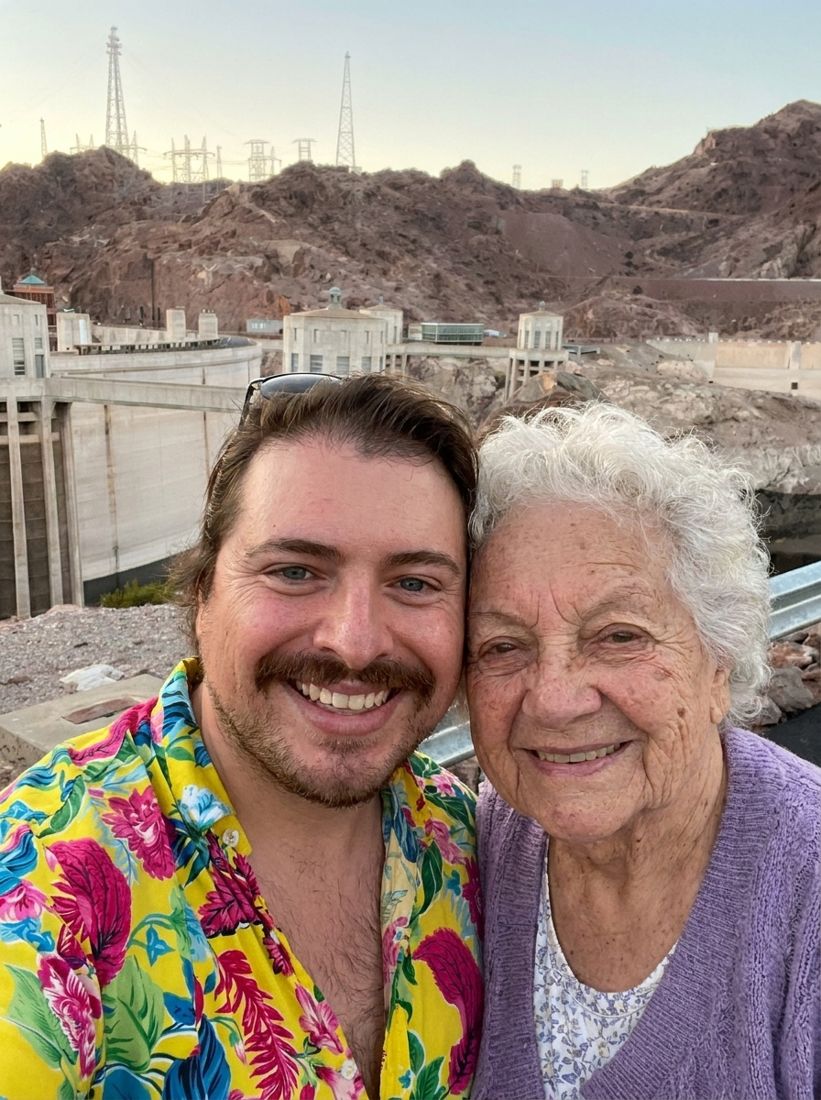
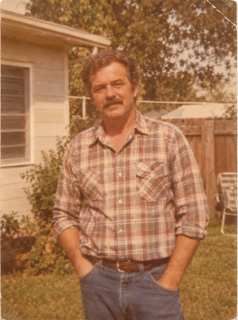
Fourteen people on the lawn, and a black-and-white photo of Grandpa in a garden chair. He stands at the edge of the group, in colour and in a suit.
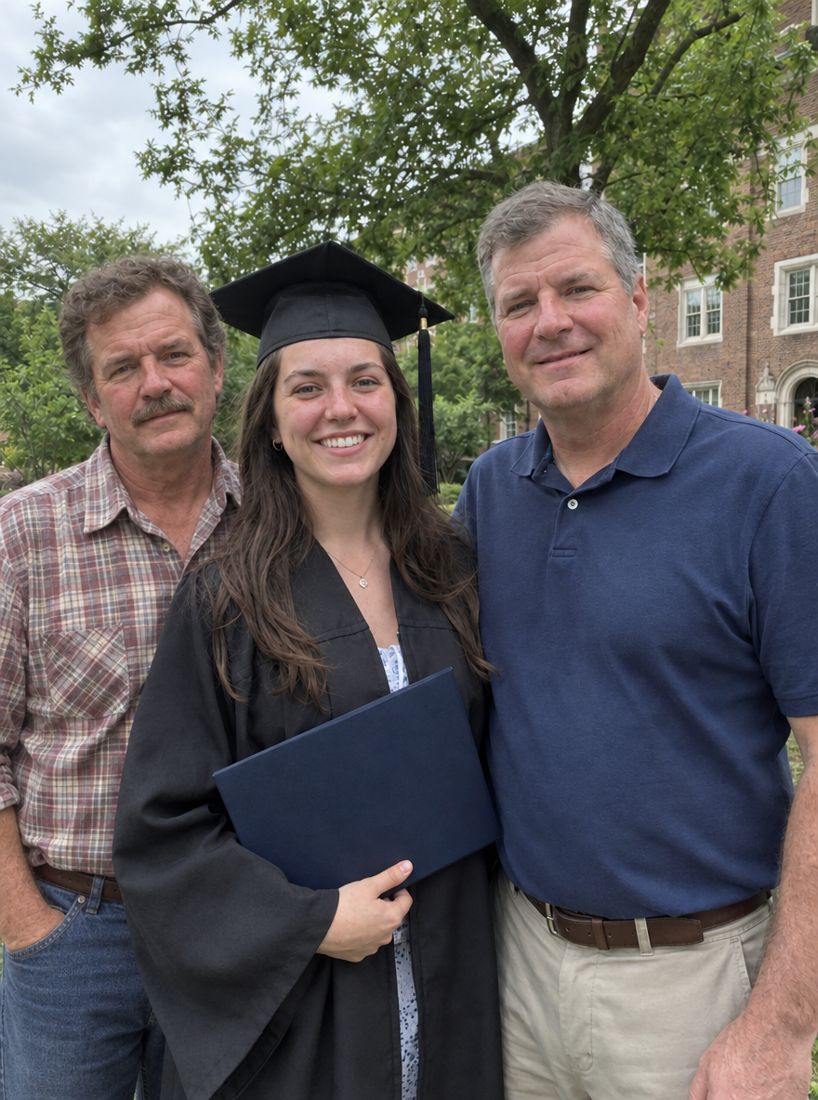
Her stepdad walking her down the aisle, and a grainy 2002 snapshot of her dad at a barbecue. In the finished photo he walks on her other side, in a suit.
The toast at the head table, and Mom at her own birthday dinner. She sits beside the groom with her glass up for the toast.
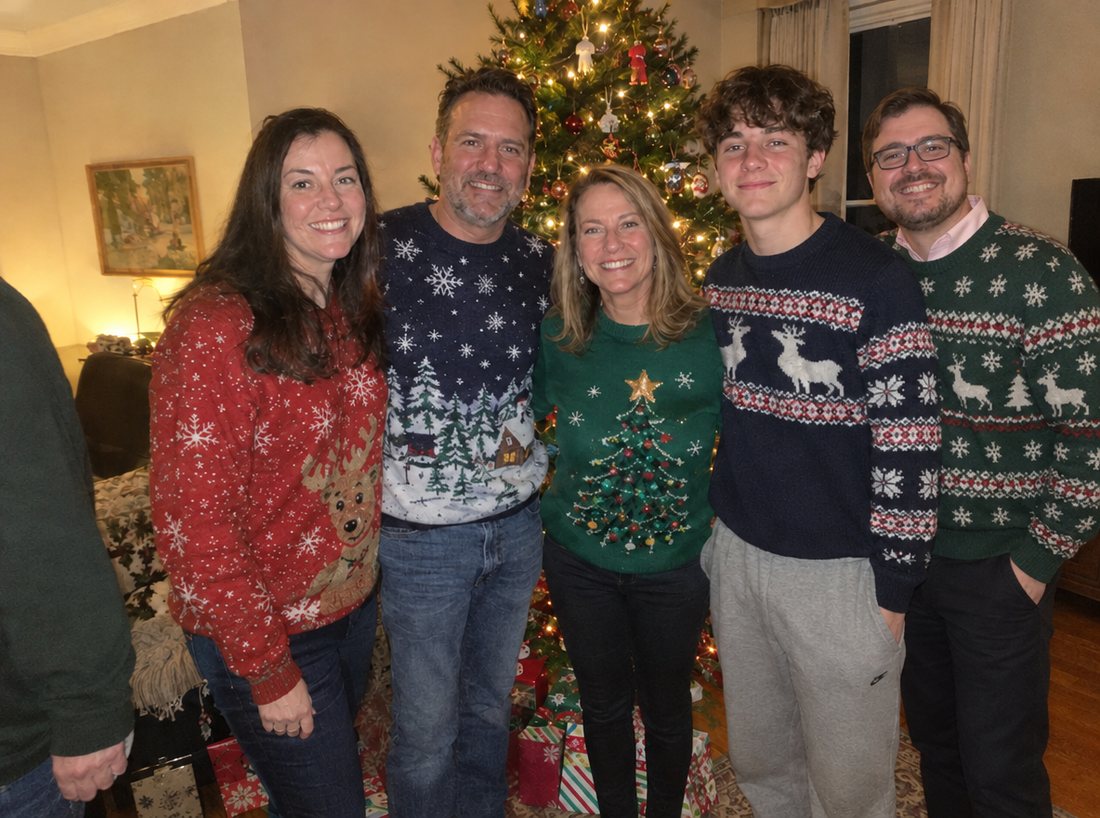
The groom and his groomsmen outside the chapel, and his brother laughing at a campsite. He made it into the line-up.
Sign in with Google, then upload your photo and one picture of them. In a few minutes they are in it, and everyone else stays as they were. Nothing is charged unless you keep one.
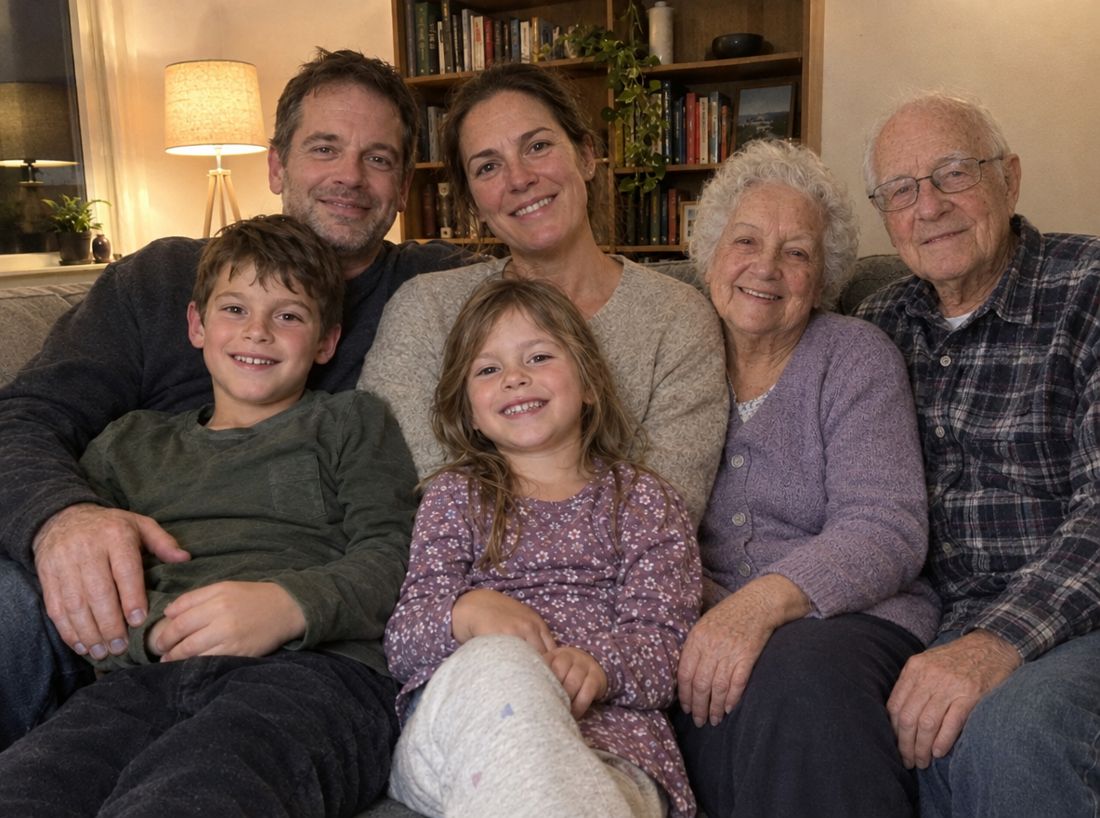
Pick the picture you treasure. A wedding, a new baby, a graduation, an ordinary Sunday.
Upload one clear picture of the person you miss. Older and faded pictures are welcome.
Look through all three and keep the one that feels right. Nothing to pay until you choose.
More answers on the questions page.
See your photo first. Pay only if it’s right.
One-time payment
One-time payment
One-time payment
One payment, no subscription. Not happy within 7 days, and we refund you.
It takes a few minutes. See three previews first, and decide after.
Add them to your photo3 free previews after Google sign-in. No card needed.